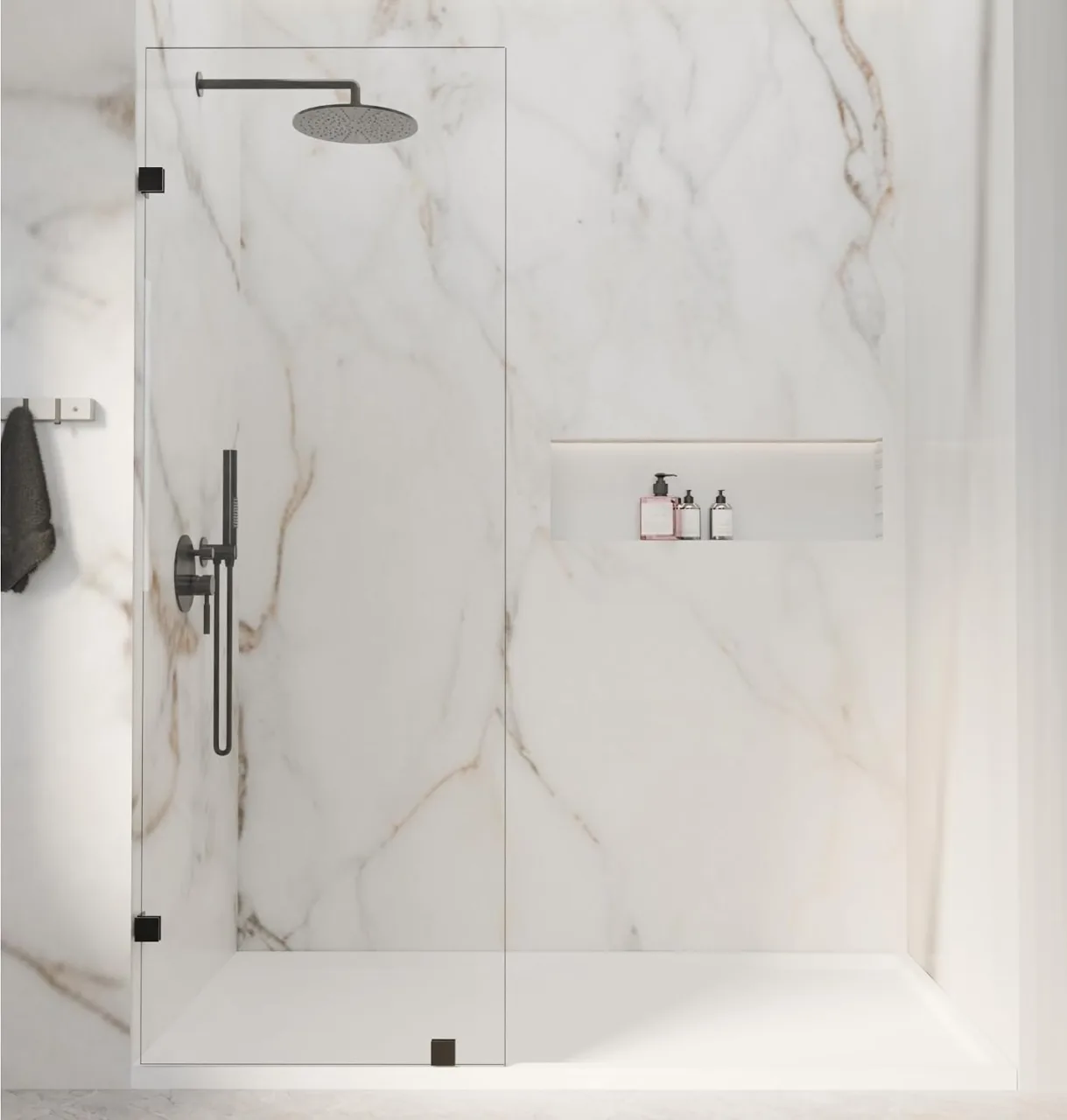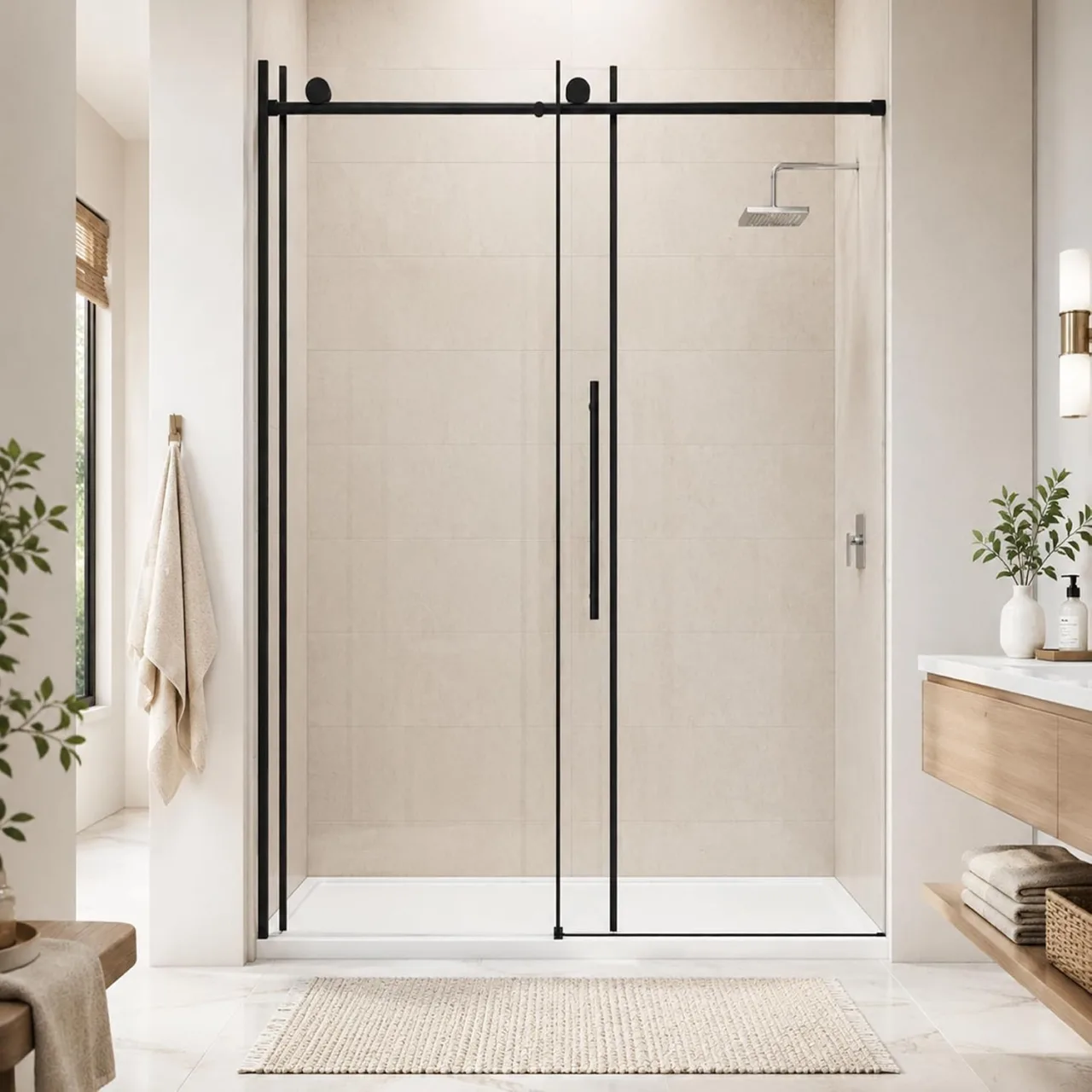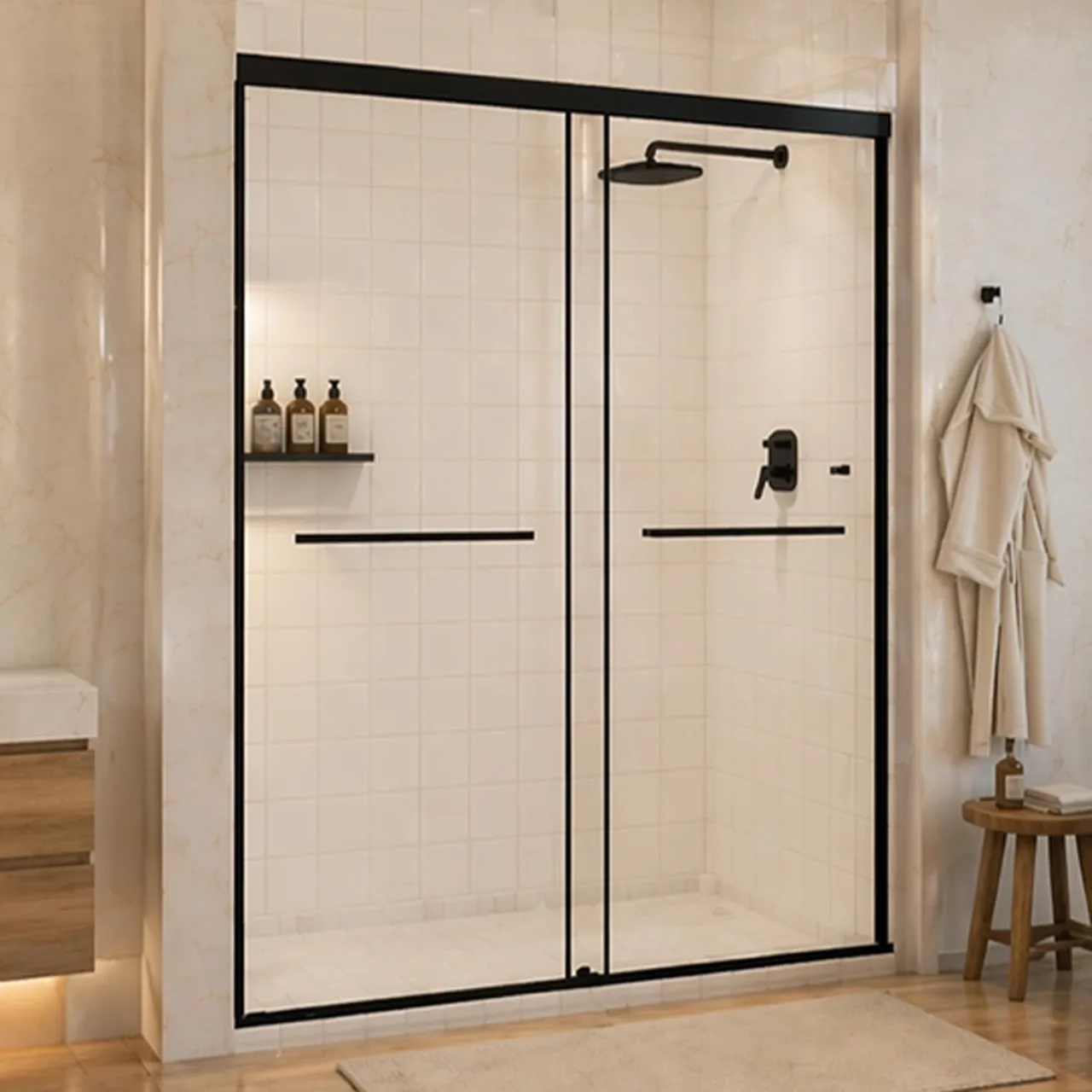
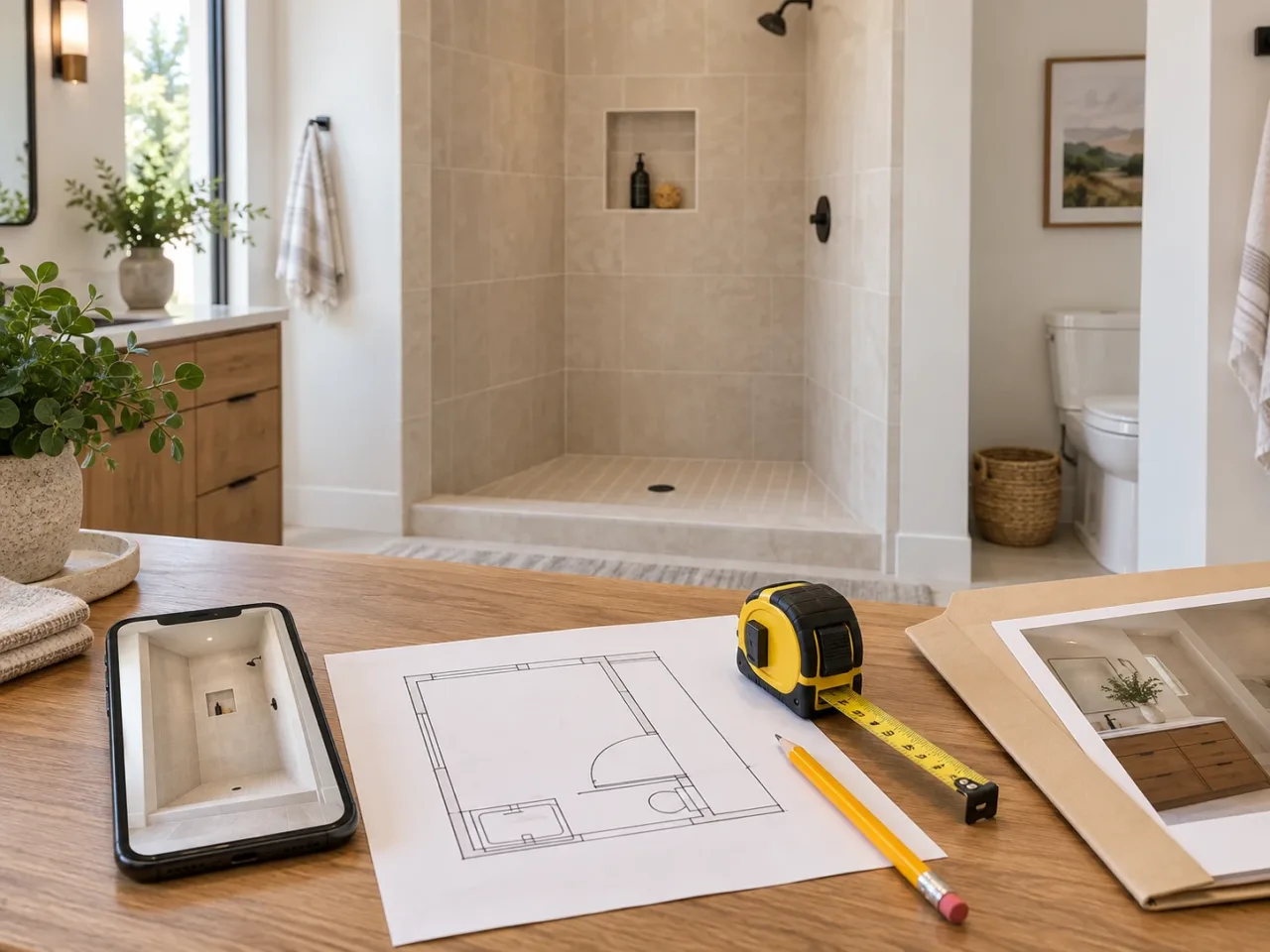
- Send the project stage first
- Attach measurements without simplifying them
- Include the room outside the shower
- Send the exact candidate, not a shopping screenshot alone
- Agree who is confirming what
- Keep the confirmed packet with the order
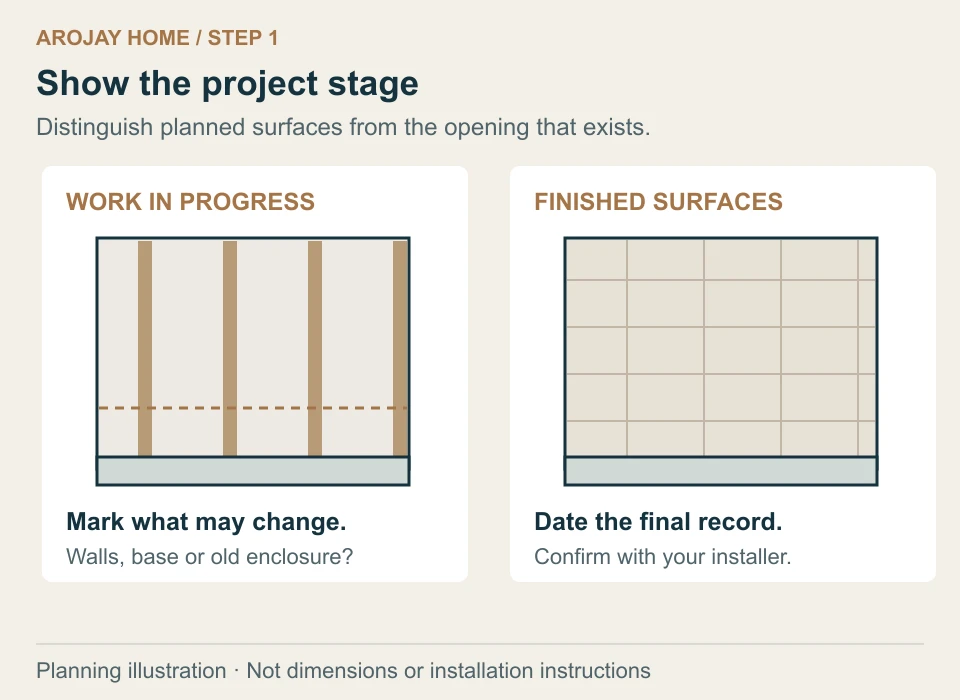
1. Send the project stage first
Tell the installer whether the tub or base is staying, whether the tile is finished and whether an old enclosure is still in place. A measurement made before the final wall surface is installed is not the same record as a finished-opening measurement. Date your notes and state which surfaces may still change.
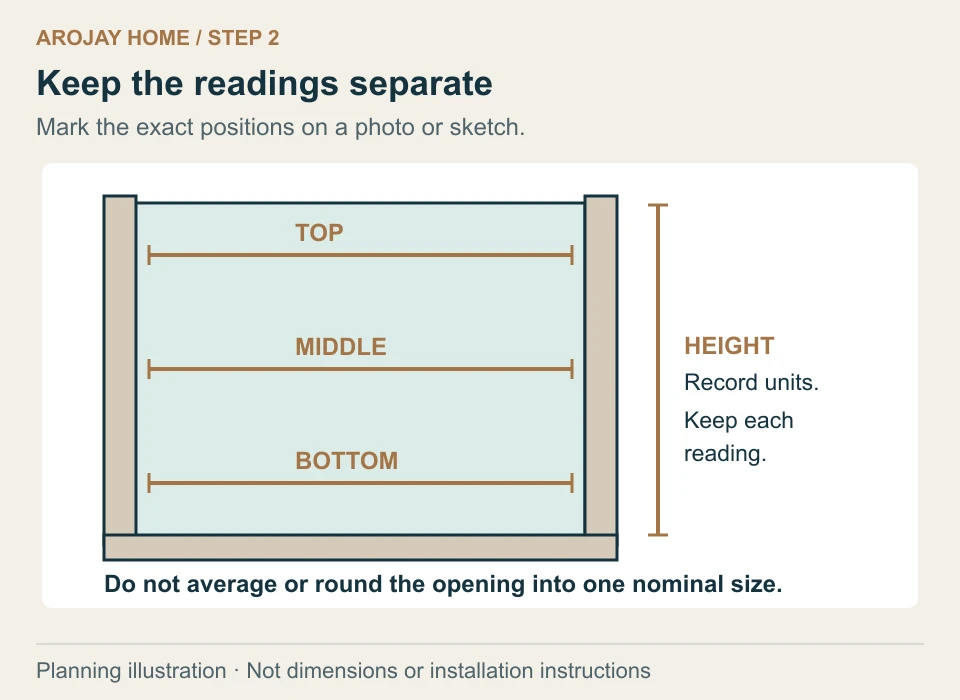
2. Attach measurements without simplifying them
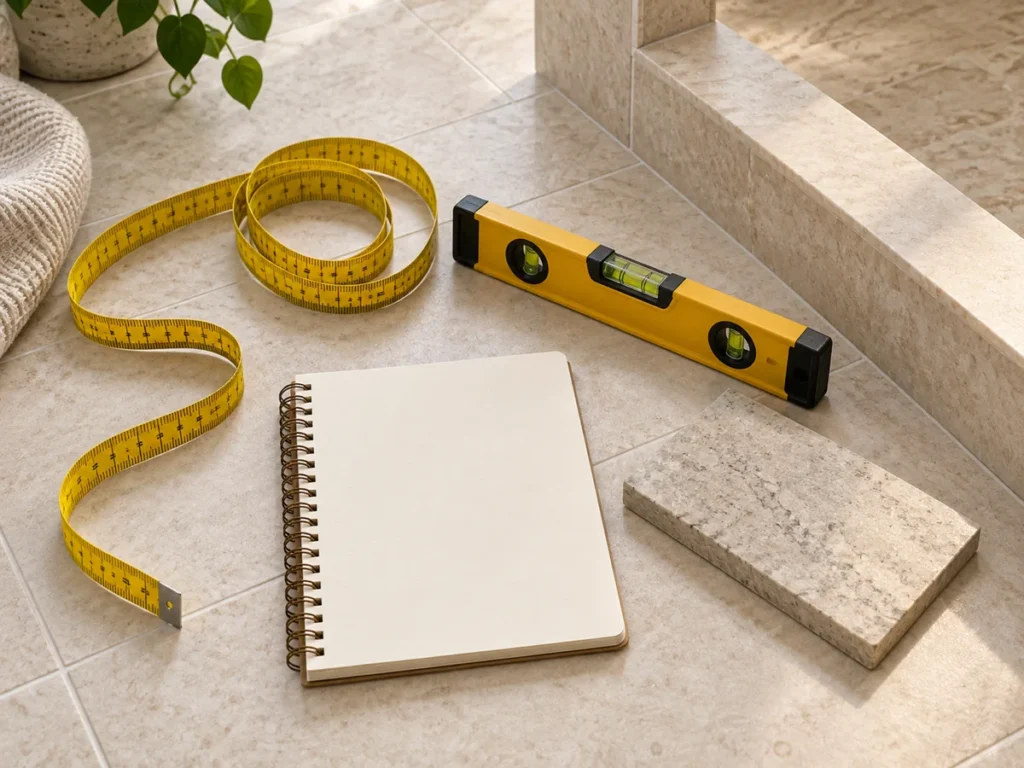
Record the top, middle and bottom finished widths separately, with a photo or sketch showing where each was taken. Add the height and the information requested by the proposed model’s instructions. Do not average different widths or describe the whole opening with a rounded nominal size. Ask the installer to confirm the measurements before they become the basis for an order.
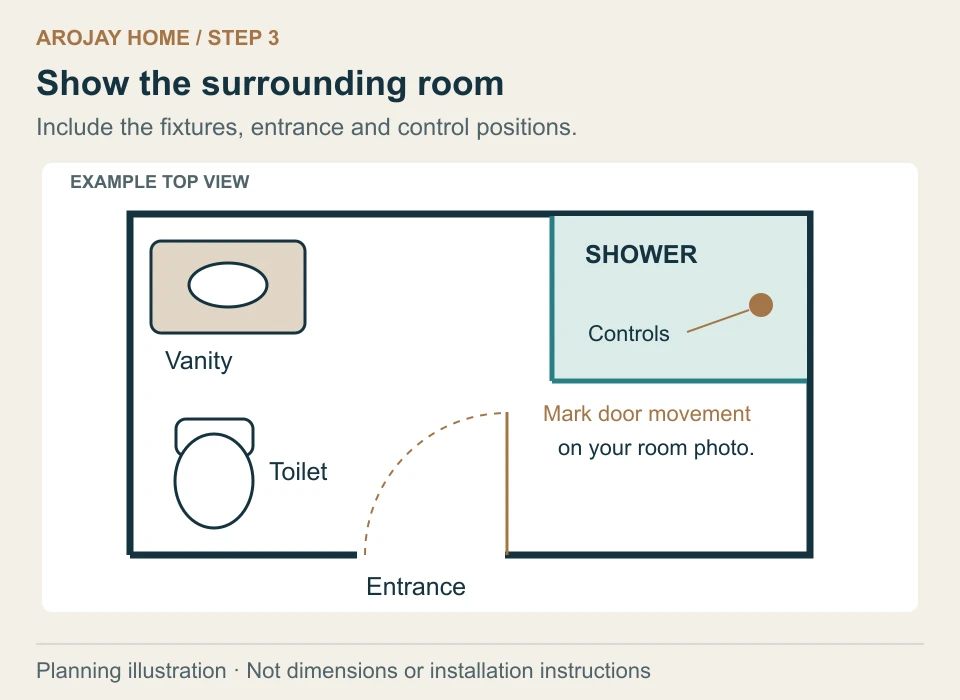
3. Include the room outside the shower
Take a wide photograph showing the vanity, toilet, bathroom entrance and nearby fittings. Mark the planned door movement and the position of the controls. Explain which side you normally approach from and where towels will hang. The installer needs to review daily access as well as the enclosure itself.
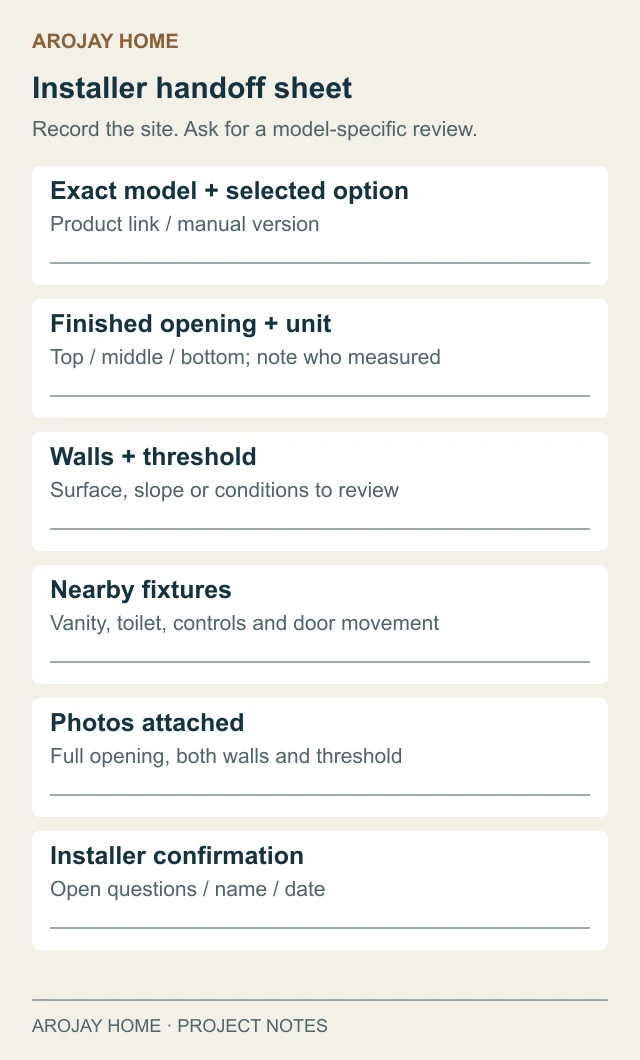
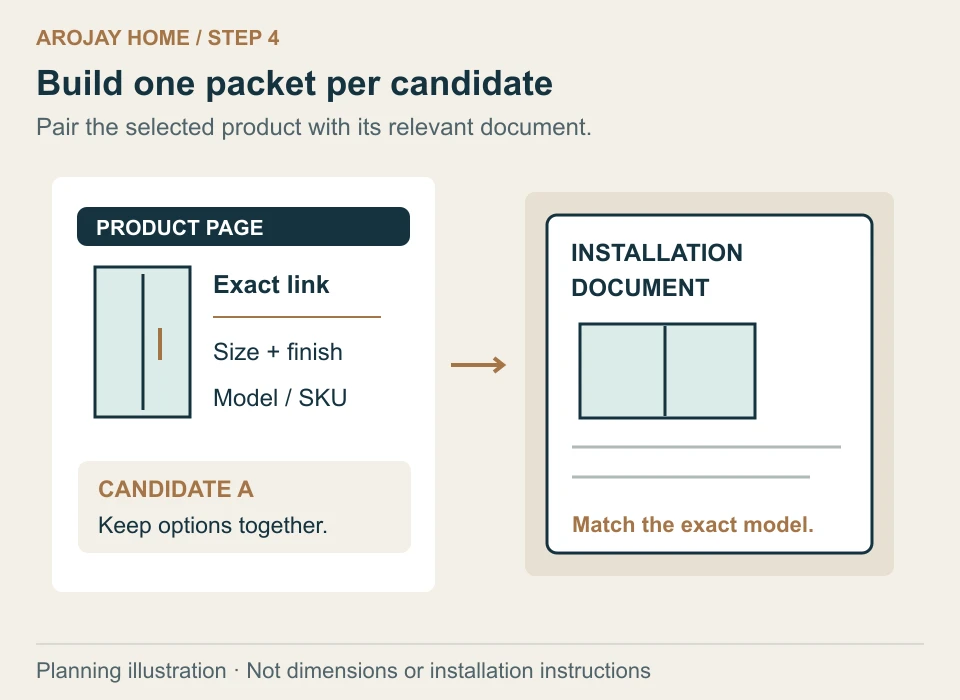
4. Send the exact candidate, not a shopping screenshot alone
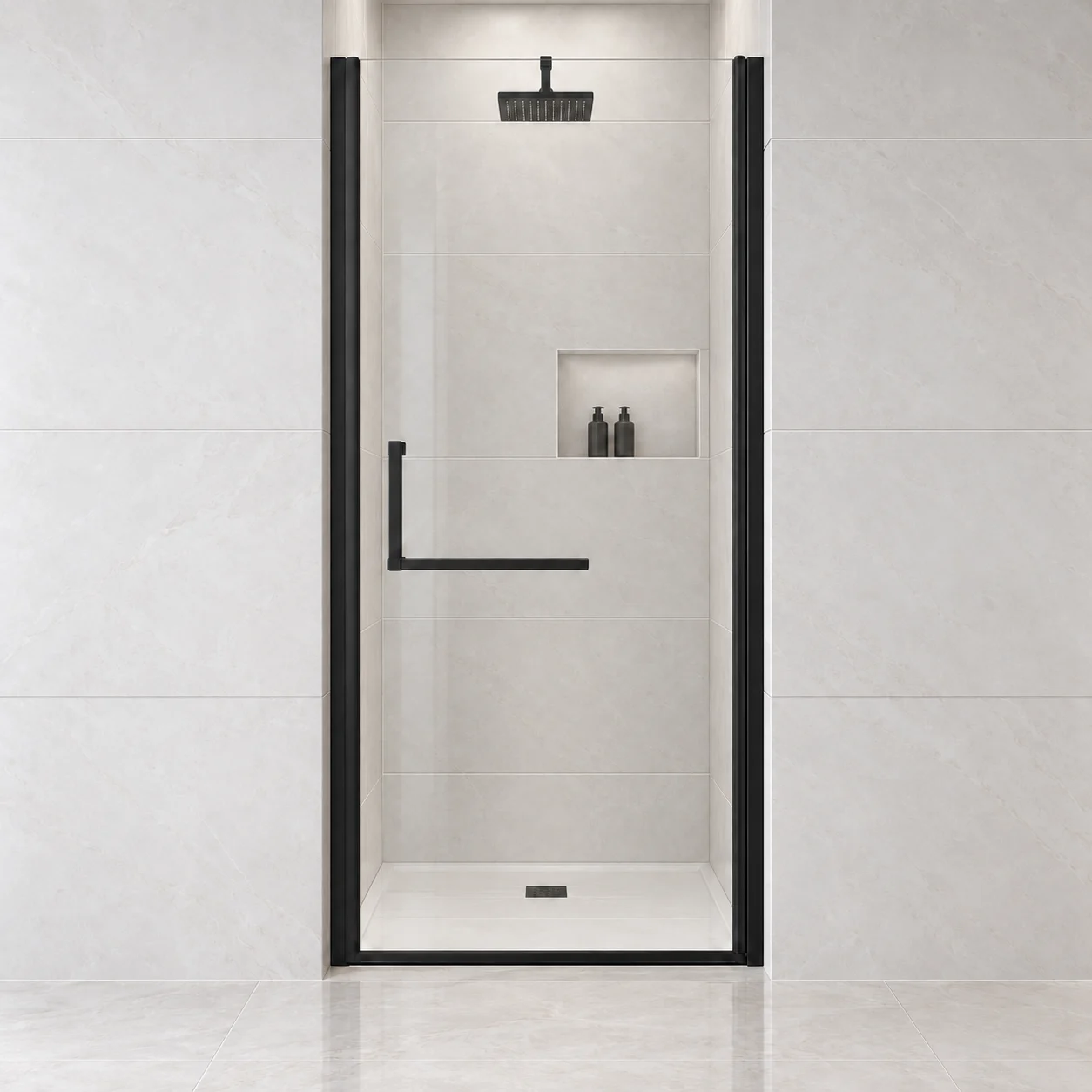
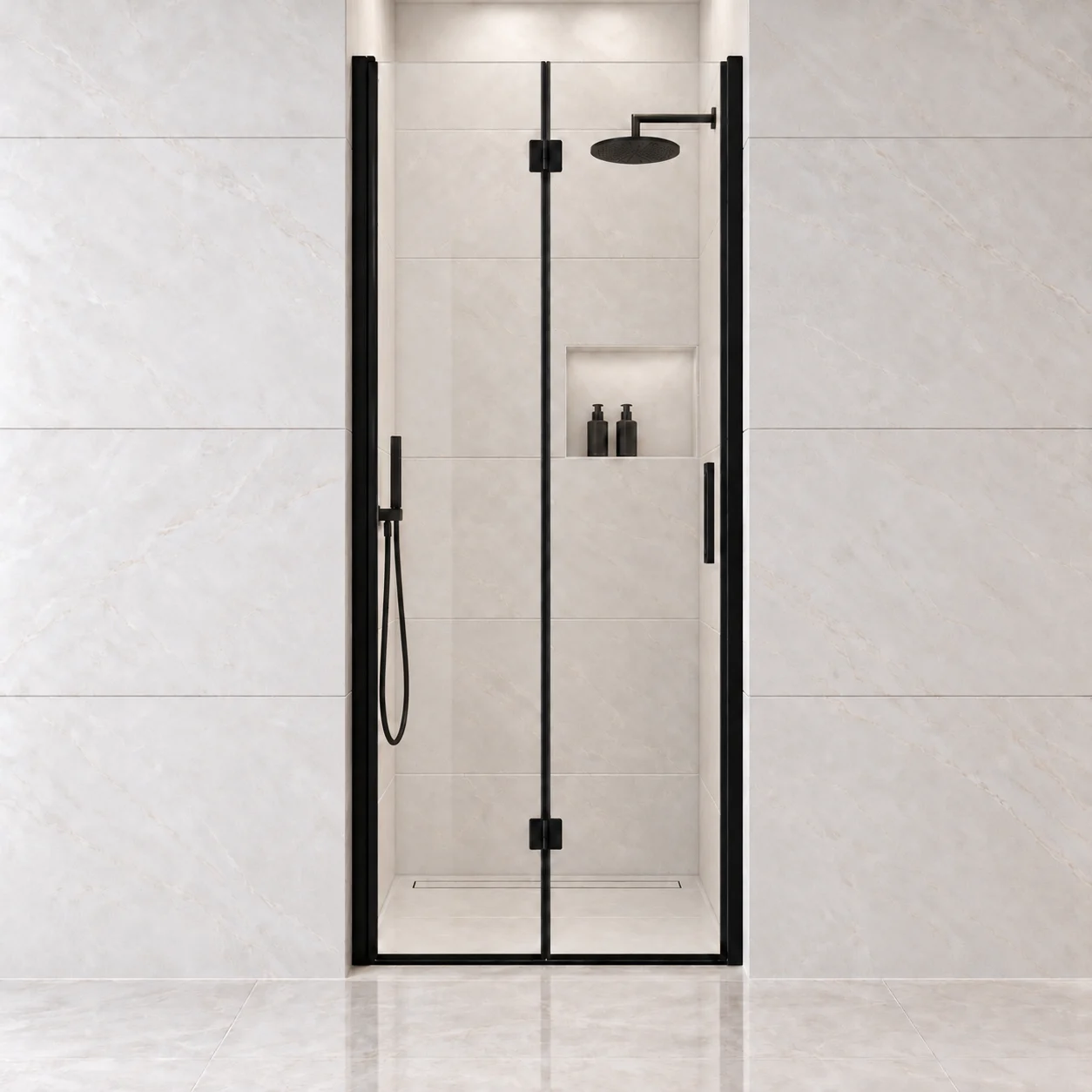
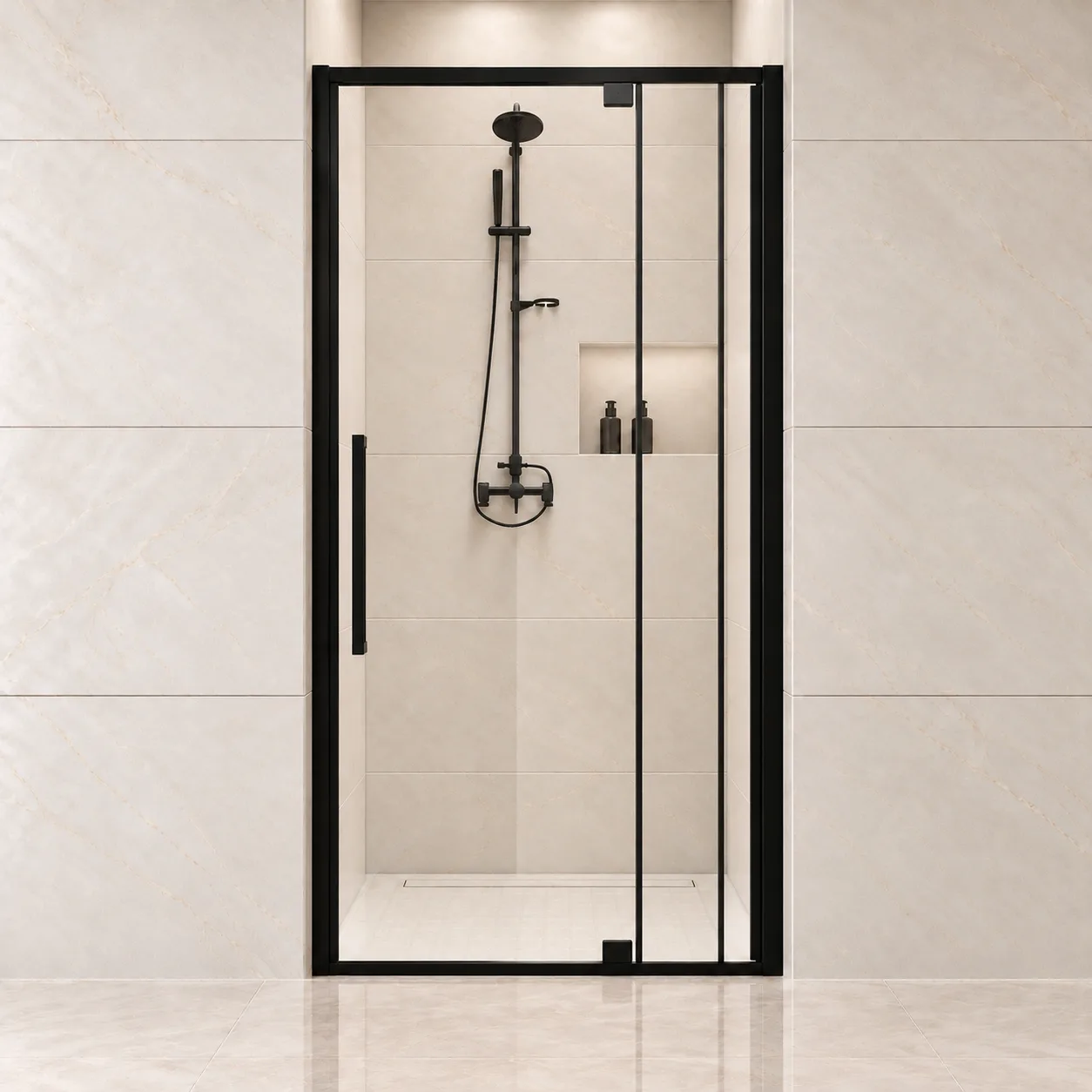
Provide the product URL, selected size and finish, model or SKU, and the relevant installation document. If you are considering two products, label them A and B rather than combining their specifications. Ask for a clear response on each candidate’s mounting conditions, movement and any information still missing.
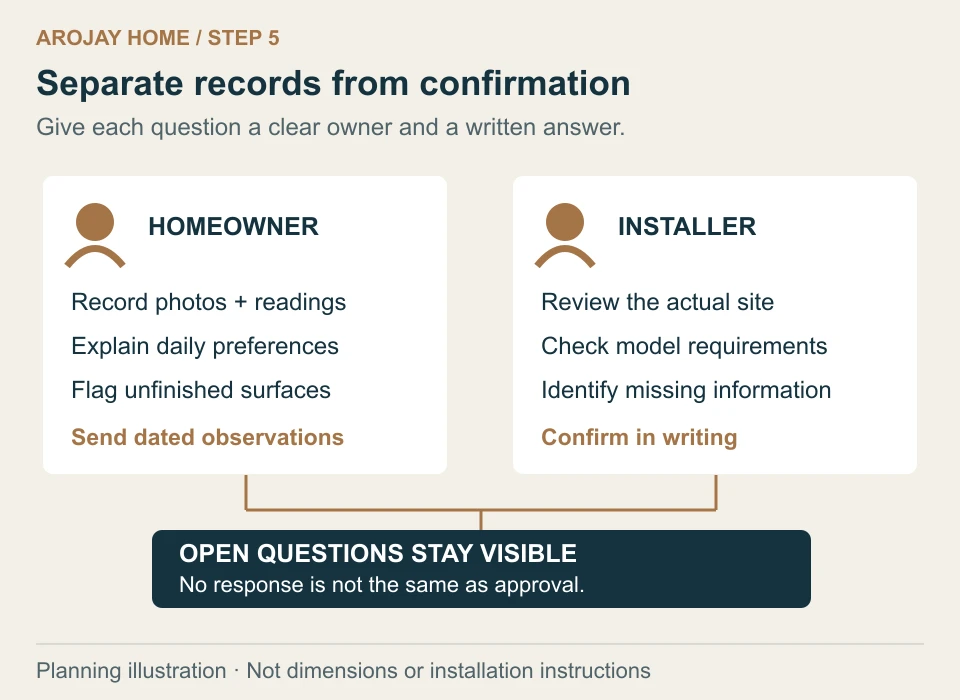
5. Agree who is confirming what
Use the worksheet to separate observed information from questions. You can supply photos and preferences; the installer should review the actual site and applicable installation requirements. A saved mood image does not establish that the wall can support the selected system. Keep unresolved questions visible rather than turning silence into approval.
6. Keep the confirmed packet with the order
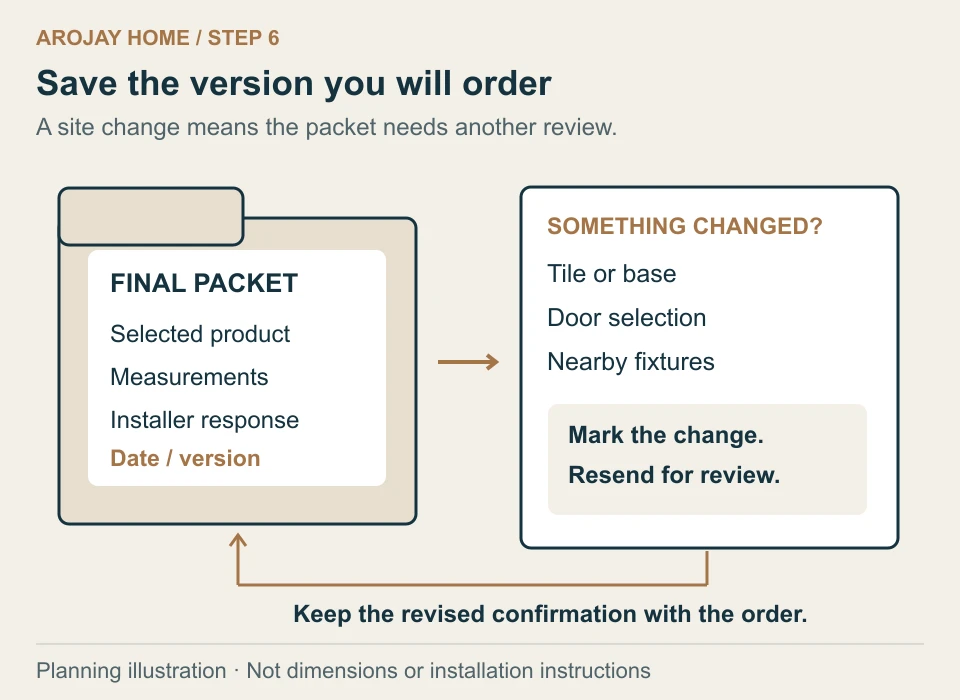
Save the installer’s response, final measurements and selected product together. If the tile, base, door selection or surrounding fixtures change, resend the changed information before ordering. This prevents the conversation from relying on a superseded sketch.