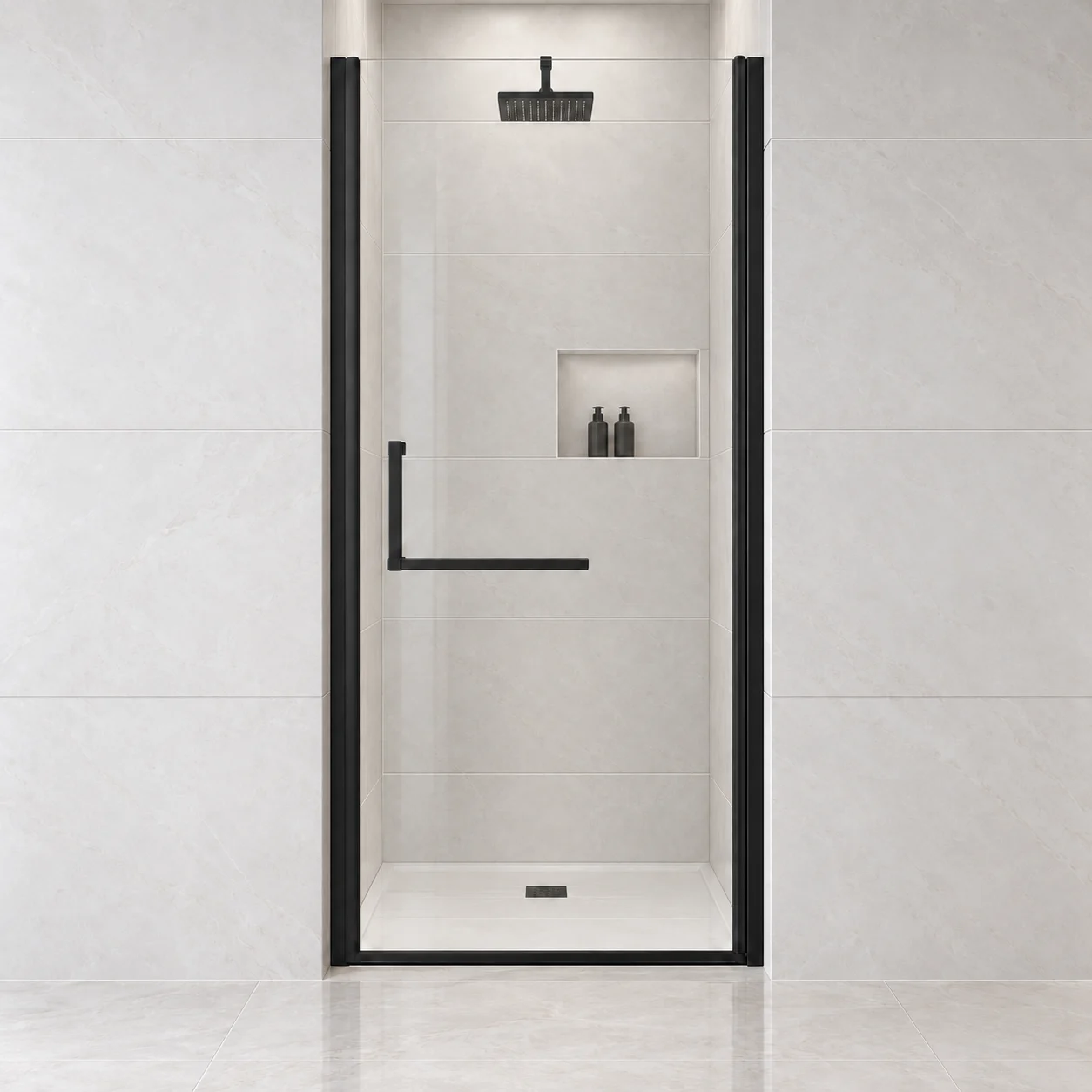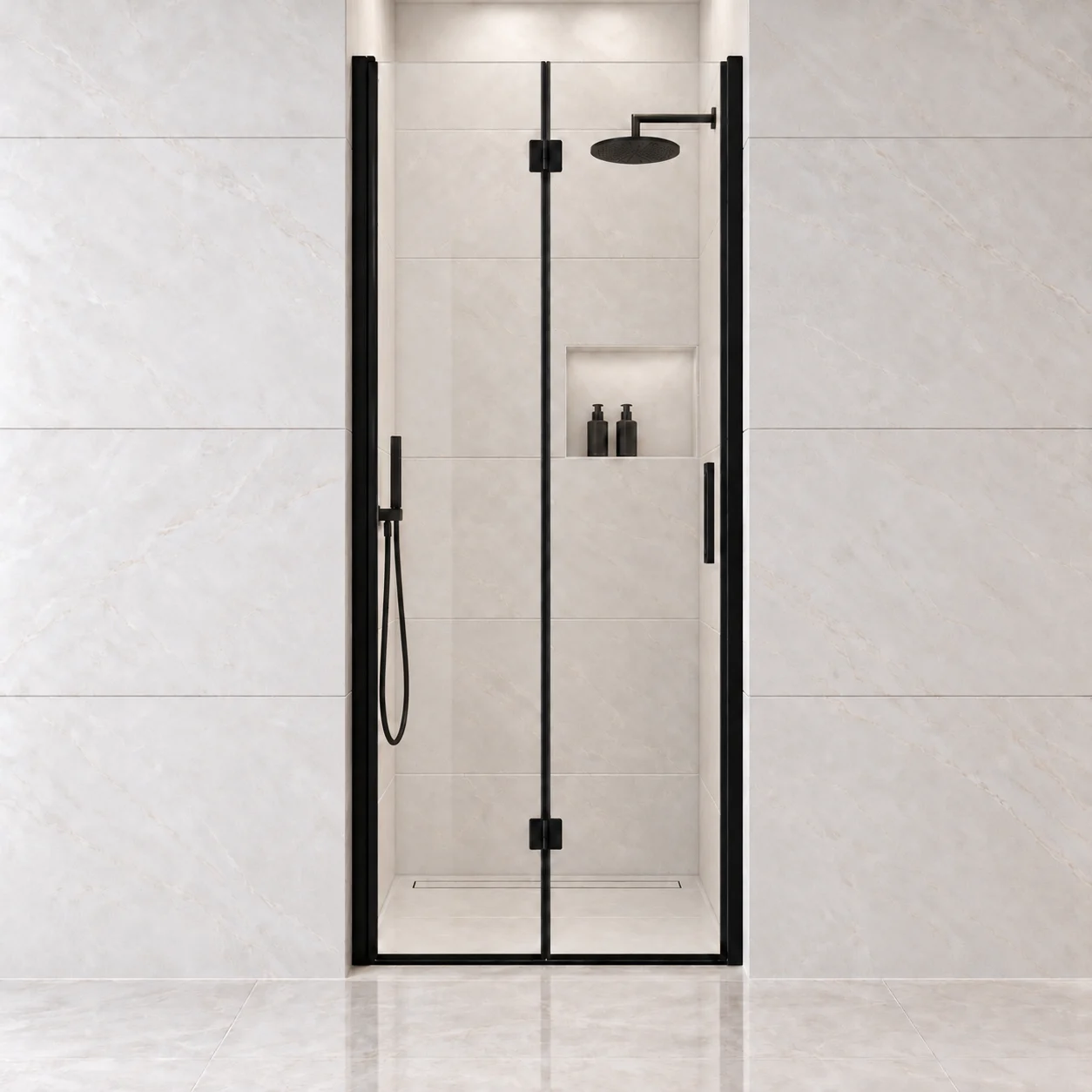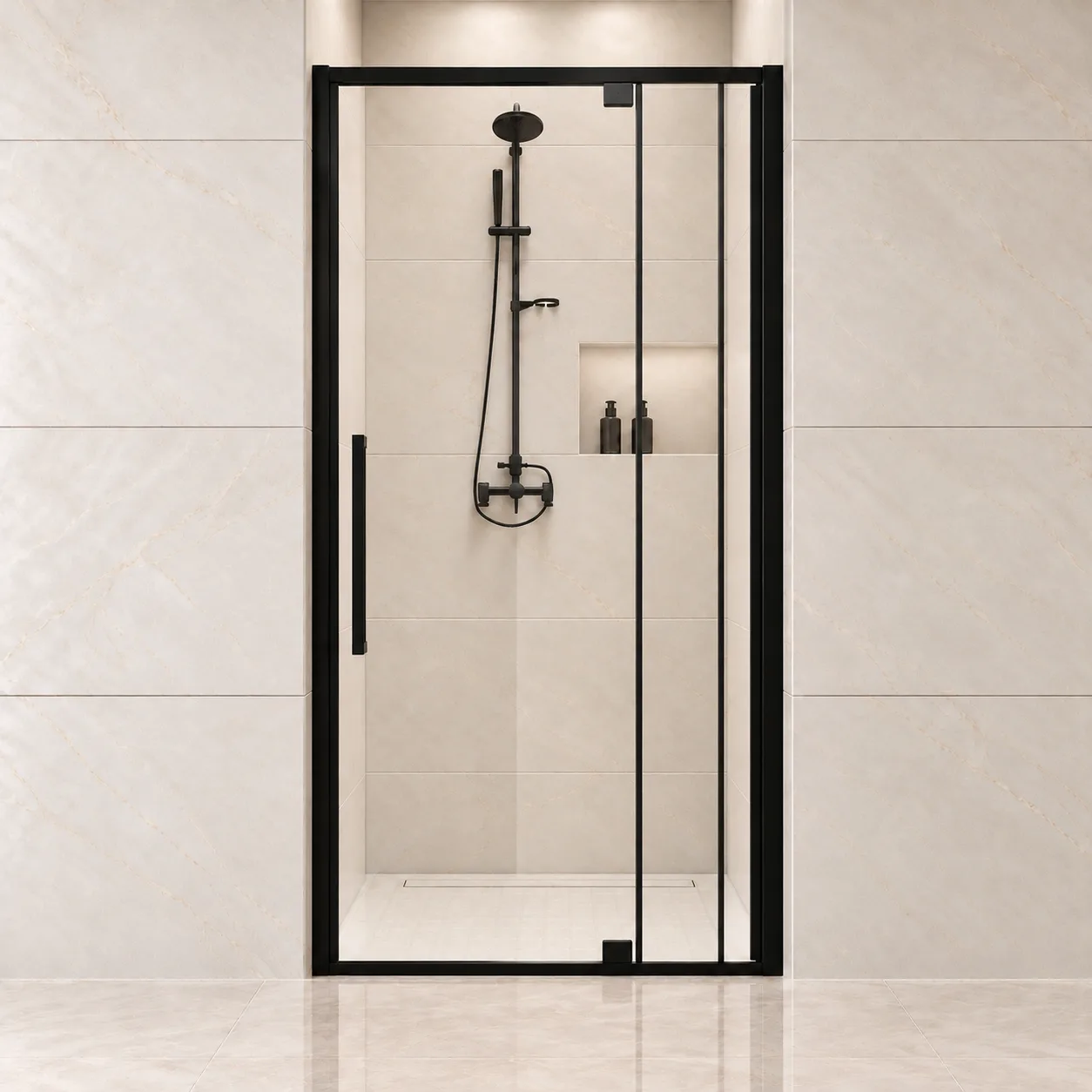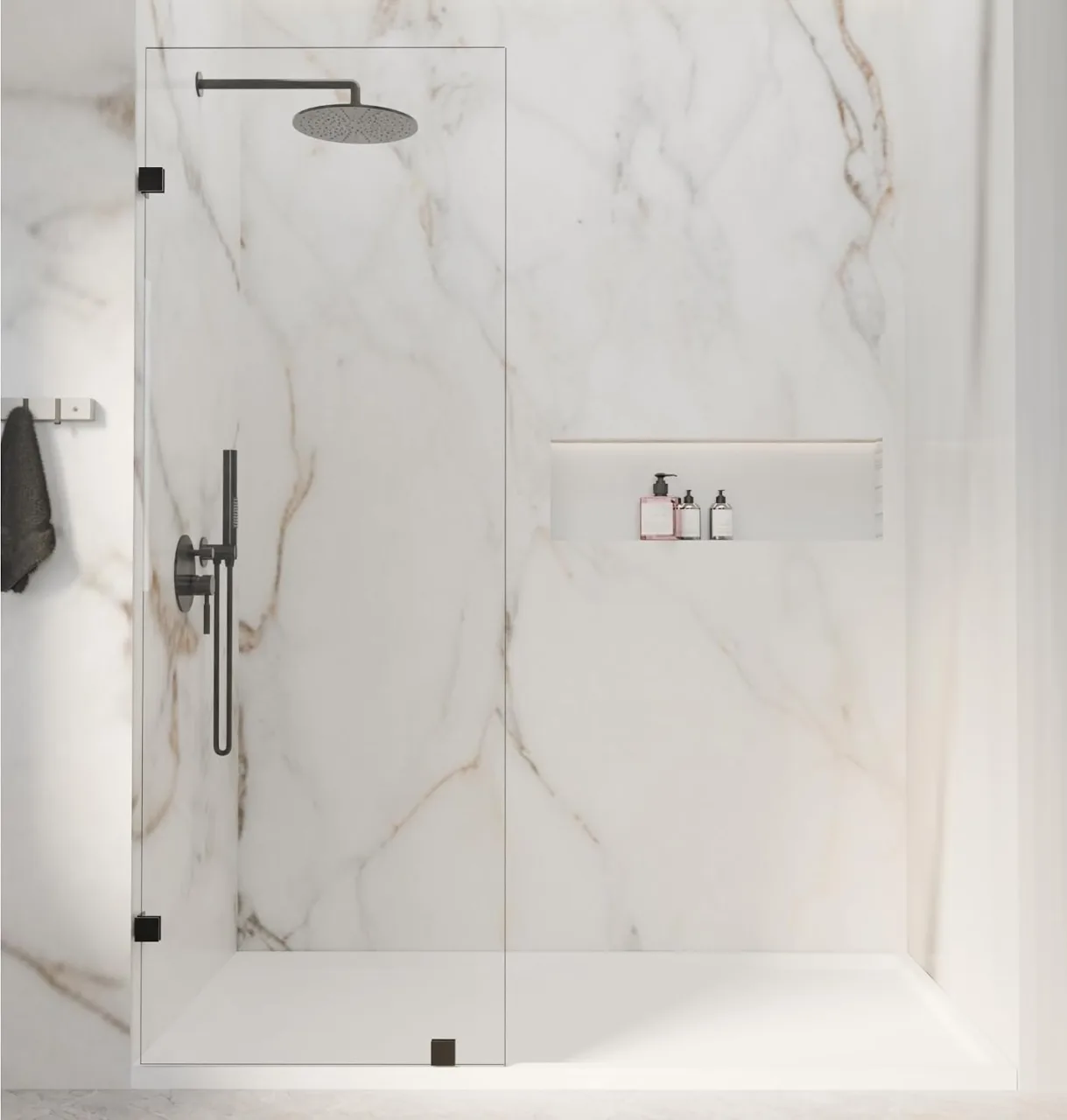
Your shower door has arrived. Before the installation appointment becomes the focus, take time to confirm what was delivered and whether anything needs attention.
Open your order confirmation, keep the cartons, and check the labels before arranging installation. If the size is wrong, a part is missing, or the glass looks damaged, stop and contact support before the installer changes anything.
Start with the order confirmation
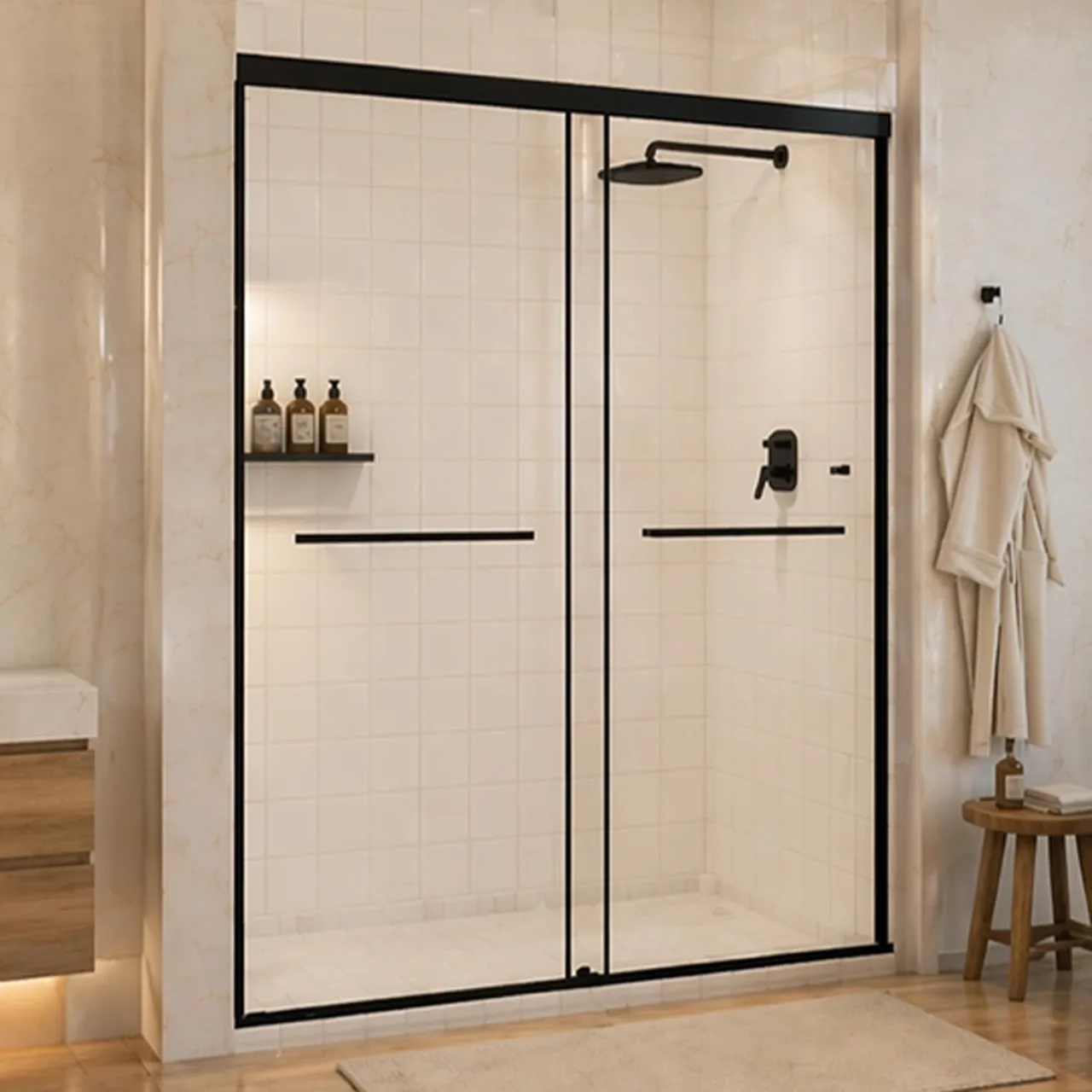
Compare the shipment with your actual selection, not only with a room photo on the product page. Similar-looking doors can have different sizes, finishes, hardware, and panel arrangements.
Keep these details available:
- Order or receipt number and the seller’s name.
- Product name and exact model or SKU, if provided.
- Selected size and finish.
- Shipment tracking and carton labels.
- The installation manual or packing list for that configuration.
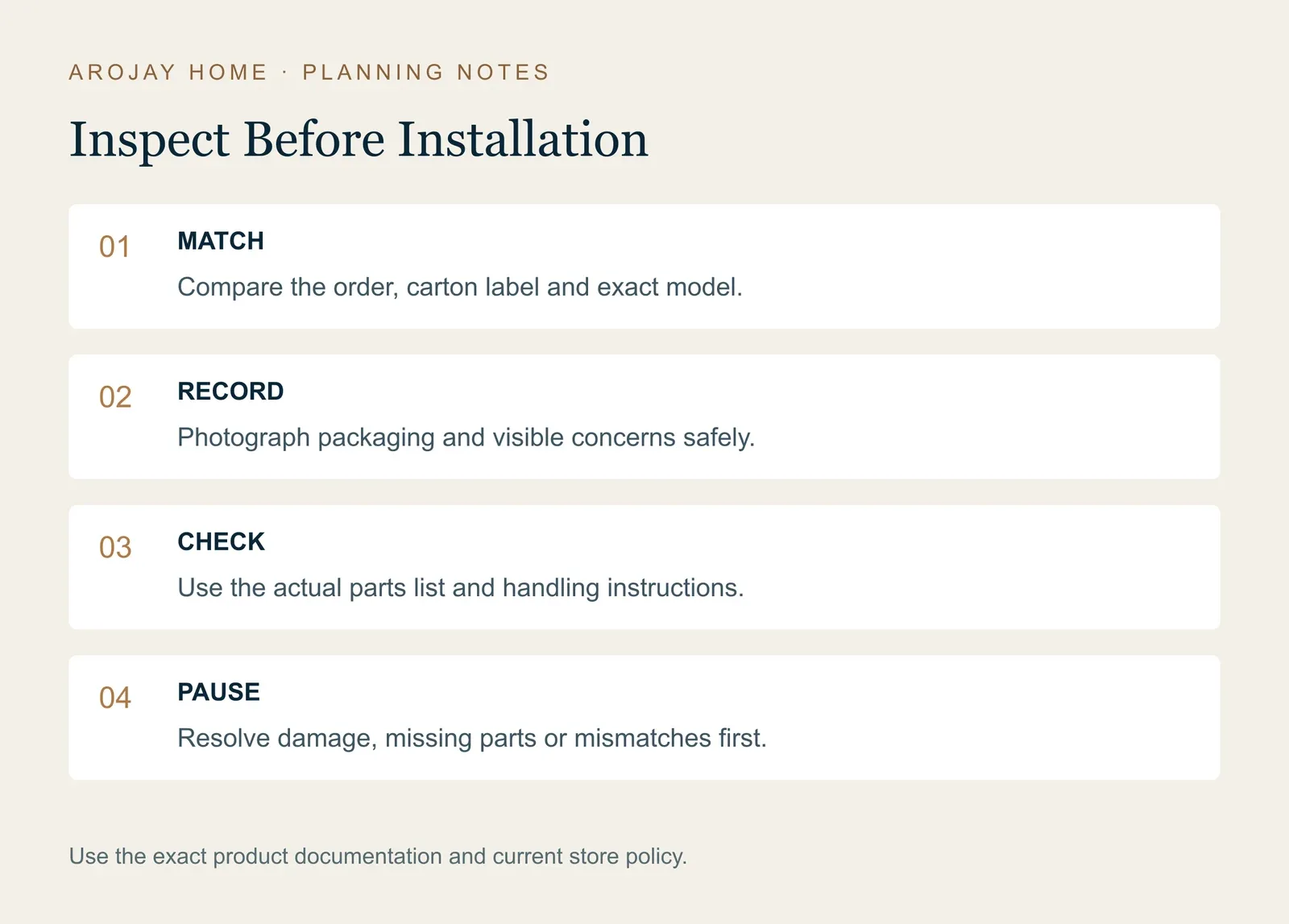
Photograph the product labels before they become separated from the packaging. For example, an order for AROJAY S03 in the 44–48-inch size should be checked against that selection, not just a box showing a similar black sliding door. S03 also has a 56–60-inch option, and the S04 bathtub door is a different model. If the labels are unclear, send photos and your order number to support.
Look at the packaging before discarding it
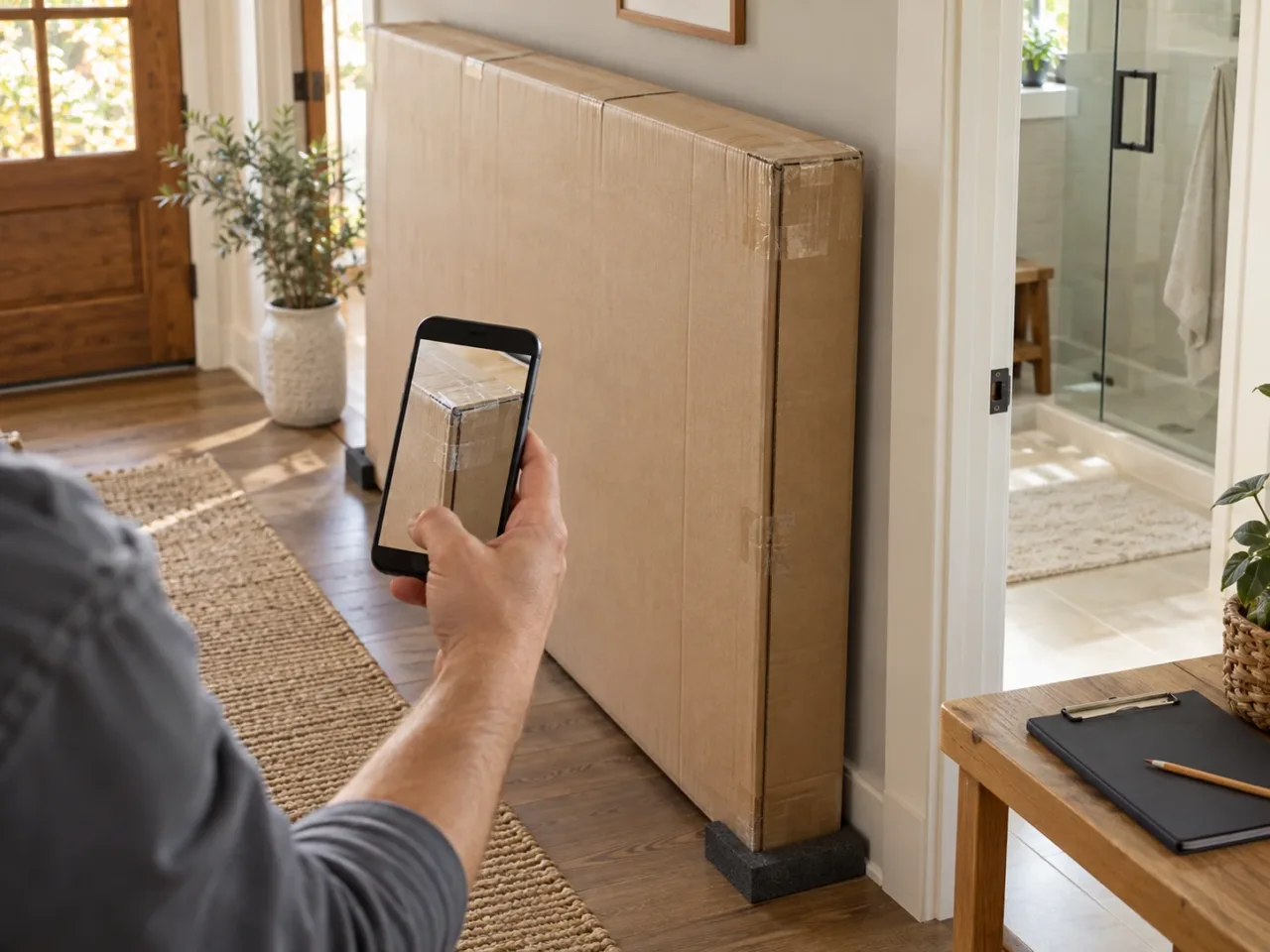
Record the carton’s condition, especially if there are crushed areas, punctures, tears, moisture, or opened sections. Include a full view as well as close views of any concern.
Keep the carton, labels, protective inserts, and other packing materials while confirming that the order is correct, complete, and undamaged. They may help the support team understand the shipment and advise on the next step.
If a carrier asks for a delivery acknowledgment, describe visible conditions accurately and follow the carrier’s process. Do not treat signing a form as a substitute for reporting an issue through the seller’s support route.
Follow the product’s handling instructions
Arrange the space and assistance required by the exact manual before unpacking or moving glass. Keep people who are not helping clear of the work area, and do not invent a handling method from a general lifestyle photo.
Inspect accessible glass, hardware, and other components in the manner the product instructions permit. If you see damaged glass, stop and contact the appropriate support team before installation. Do not cut, drill, or modify glass to make an incorrect shipment fit.
For an unclear or potentially unsafe condition, ask for instructions rather than continuing the inspection through unnecessary handling. Photos should document the issue without creating additional risk.
Compare the contents with the exact parts list
Use the model-specific packing list or parts diagram to identify what arrived. Keep small components contained and preserve their labels.
Work through the list one line at a time. Match the major components, hardware bags, and any listed handles, guides, seals, brackets, or covers. The actual set varies by product, so another door’s unboxing video is not a substitute for your list.
Before reporting a missing part, check the packaging areas that the instructions allow you to inspect. Small components can remain in protective material. Do not dismantle preassembled parts or discard unfamiliar items because you assume they are extra.
If a component is still missing or differs from the diagram, note its exact label or part number. That gives support a more useful starting point than “a small bracket is missing.”
Keep shipment inspection separate from fit confirmation
Receiving the right door does not by itself mean the room is ready for it. Before drilling, cutting permitted components, or beginning other irreversible work, review the completed opening and installation conditions again.
Use the finished-opening measurement guide and compare the measurements with the selected configuration’s current documentation. Keep differing measurements separate; do not average them or assume an opening-size range is a universal wall-adjustment allowance.
Review the entry route and nearby fixtures as well. Check the exact door’s movement against the vanity, toilet, towel fittings, and other obstacles. The installation preparation checklist helps organize those questions before work begins.
Make a useful issue record
If something needs review, collect the order and product details with a short description of what you found. A useful photo set includes the whole package, shipping and product labels, the affected component, and a close view of the concern. For missing parts, include a clear overview of what was received and identify the relevant item in the parts list.
Keep the original images. Avoid filters or annotations that hide the condition, and do not include payment-card details or other unnecessary sensitive information.
Describe observations rather than trying to diagnose the cause. “The lower corner of this carton is crushed and the component shown is bent” is more useful than guessing when or where the problem occurred.
Use the support route for your purchase
For an order placed directly on arojayhome.com, use After-Sales Support and read the Refund & Returns Policy. The policy asks customers to report damage or a wrong product within 30 days after delivery. Inspect promptly rather than waiting for the installation appointment to discover a problem.
Include your order number, product name, selected size and finish, SKU if available, and the outcome you are asking for. For damage, send the packaging, shipping-label, product, and close-up photos. For a missing part, identify it in the parts list and show what you received.
After receiving complete information, AROJAY normally provides an initial response or proposed next step within 1–2 business days; carrier, warehouse, or technical review can take longer. This is an initial response estimate, not a replacement-delivery date.
For an order from another retailer or marketplace, start with that seller’s order record and support process. Include the sales channel when asking AROJAY for help identifying a product or component.
Wait for return, pickup, replacement, or disposal instructions. Do not mail glass or components to an address you found online. For missing parts, ask when a replacement could arrive before changing the installation appointment.
When should installation pause?
Pause when the shipment does not match the order, a required part is missing, there is visible damage, the instructions are unclear, or the site has not been confirmed suitable for the selected system.
Tell your installer what you found and send the same photos you gave support. Keep the packaging and leave the affected part uninstalled while the next step is arranged.
If everything is in order, pass the order details, exact manual, and inspection record to the installer. You can move into the next stage with a shared understanding of what arrived and what the room still needs.